I built a Dark Web Website to train people
Hey everyone — 404 Yeti here, back again with another frosty challenge!
Today we’re diving into the Dark Web, but don’t worry — this isn’t about anything shady. This is about learning safely, understanding how Tor works, and building your own .onion website for educational and research purposes.
So grab your snow goggles, fire up your VM, and let’s explore responsibly.
Why Build a Dark Web Site?
Before we get our hands cold with commands, let’s understand why this matters.
The Dark Web isn’t all bad — it’s simply the hidden layer of the internet that uses Tor (The Onion Router) to anonymize traffic.
Researchers, journalists, and privacy advocates use it for:
- Secure communication
- Leak protection
- Privacy-preserving experiments
- Learning network anonymity principles
“Tor isn’t evil. It’s a mirror — it reflects the user’s intent.” — 404 Yeti 🧠
The Set up
- Step 1: Install Tor on Your Virtual Machine
We’ll start fresh in a Linux VM (VirtualBox or similar).
sudo apt install torStep 2. Enable TOR
sudo systemctl enable tor
sudo systemctl start tor
sudo systemctl status tor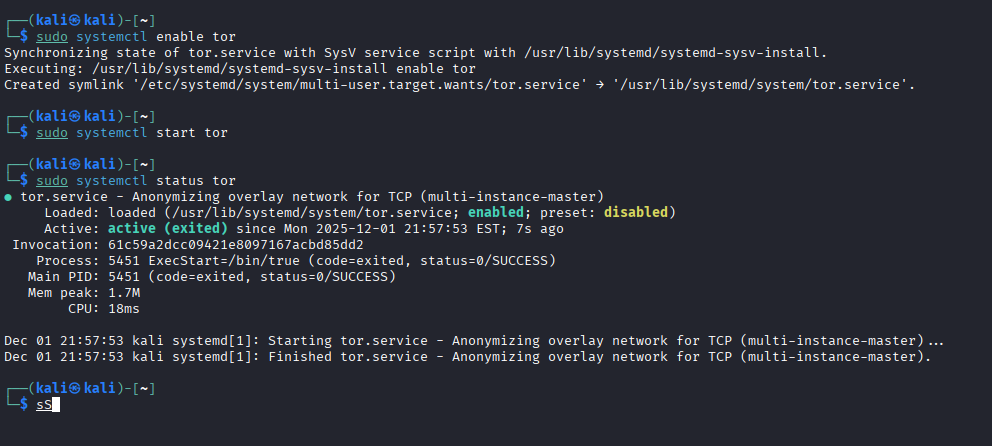
this allows tor to work properly on your virtual machine
Step 3: Set Up Your Project Folder
Create a directory for your Tor web project.
mkdir ~/tor-ctf
cd tor-ctf/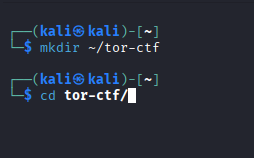
Step 4: Create a Python Virtual Environment
We’ll use Flask to host a small, safe web page.
python3 -m venv venv
source venv/bin/activate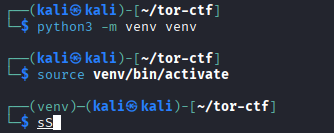
Step 5: Create a Simple Website
Inside your tor-ctf folder, create a file named `index.html:
pip install flask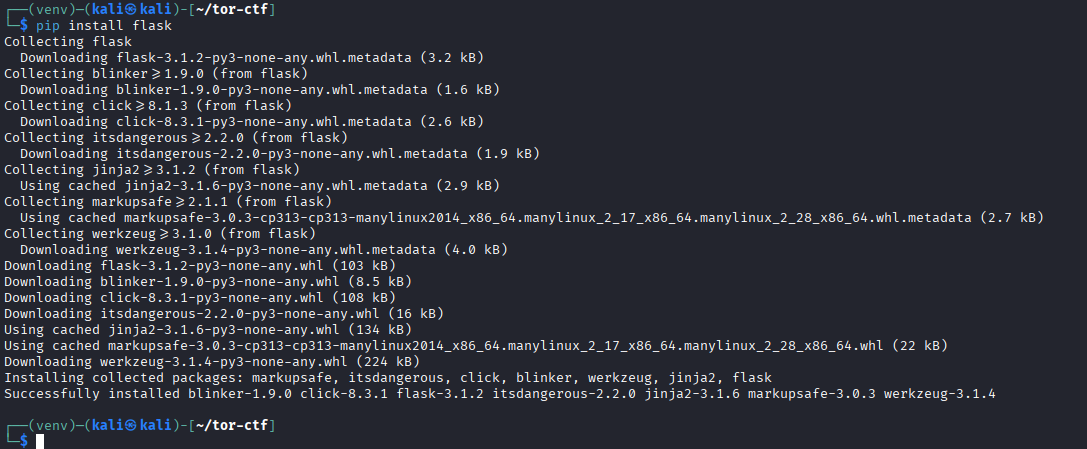
Next setup a simple website
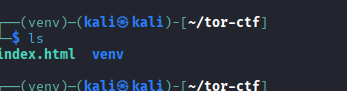
Now run the flask app
python index.html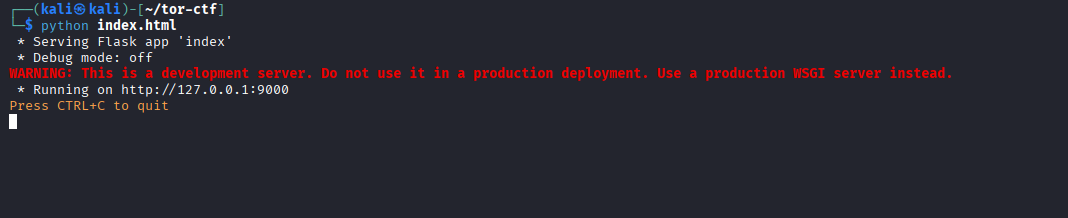
Step 6 Configure the Tor Hidden Service
Now we’ll tell Tor to host your Flask site as a .onion address
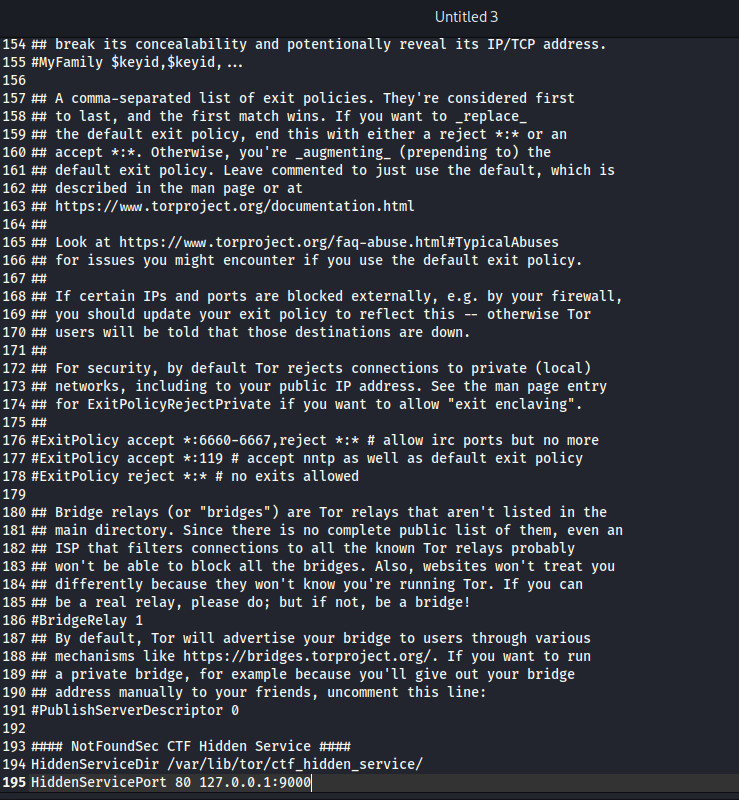
- Next make sure you restart tor

Step 7: Get Your .onion Address
Now the fun part — revealing your very own .onion domain!
sudo cat /var/lib/tor/ctf_hidden_service/hostname
You’ll get something like:
shrrzh7objftb64hduzwgi3kosvejv7nkxp2k2iwte4aofq3czxkl7ad.onion
Step 8: Next take the onion address and check it out.
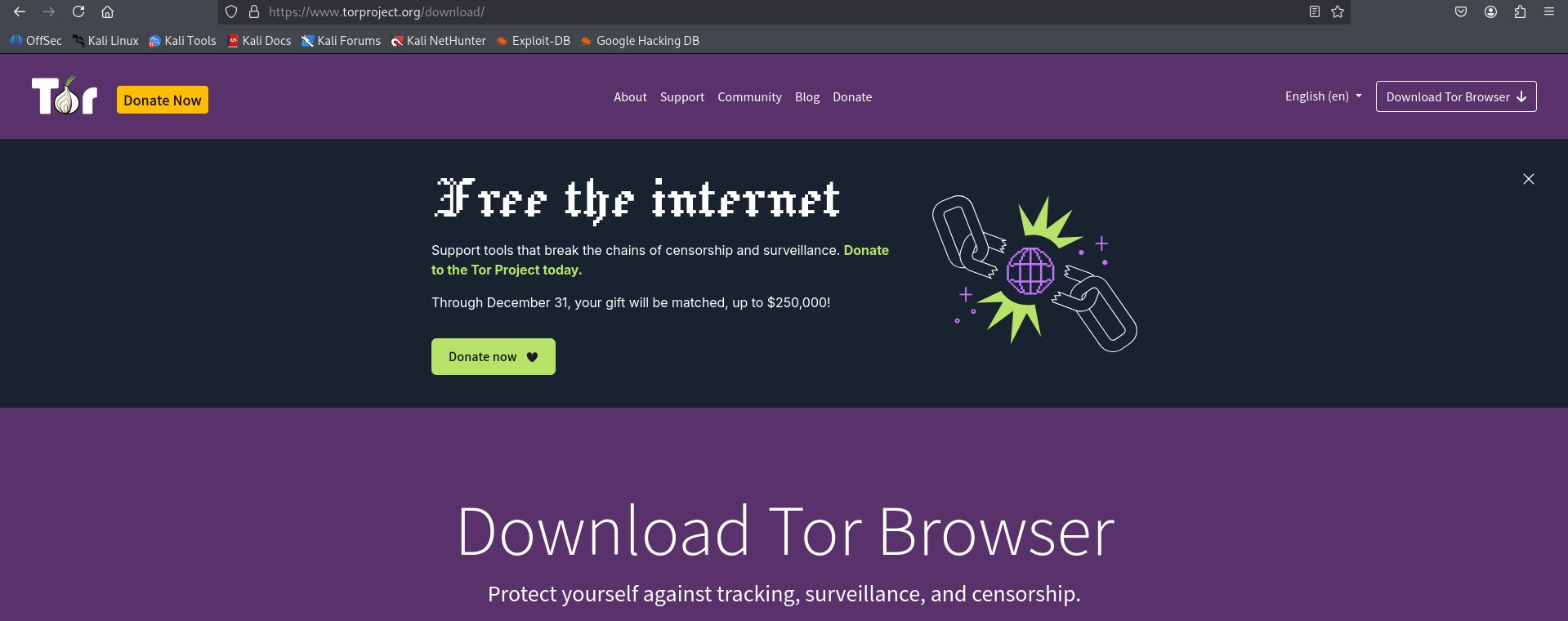
If you haven't downloaded tor please do so
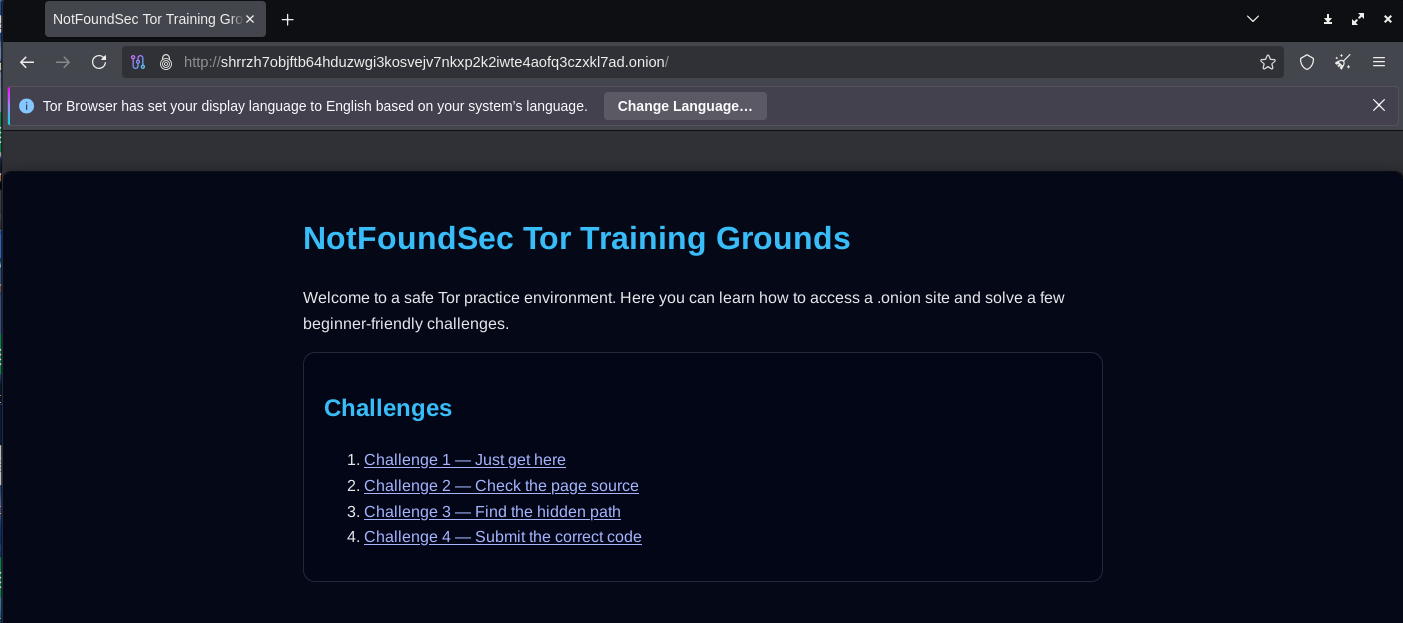
Boom, now we have a Tor website up and running
OPSEC suggestion
Use a VM or container for isolation.
Never host from your main machine.
Keep Flask local (don’t expose public IP).
Disable JavaScript and avoid personal logins when testing.
Use Tor Browser for viewing, not Chrome or Edge.
“Privacy is not about hiding — it’s about choosing what to show.” — 404 Yeti
Final Thoughts
You’ve just learned how to safely build and explore a .onion website!
This is a foundational skill for understanding dark web infrastructure, privacy research, and ethical hacking.
Remember:
The Dark Web is not illegal — misuse is.
Use it to educate, secure, and explore responsibly.
Stay smart, stay safe, and stay frosty.
Yeti out. 🐾